> For the complete documentation index, see [llms.txt](https://devhub.autotek.my/llms.txt). Markdown versions of documentation pages are available by appending `.md` to page URLs; this page is available as [Markdown](https://devhub.autotek.my/vehicle-search/facet-search.md).
# Facet Search
Use smart drop downs to find a vehicle.
### Search for Vehicles by facets
The Vehicle Facets API allows you to narrow down the matching vehicle based on the vehicle's parameters. The facets available are: `year`, `make`, `model`, `badge`, `series`, `transmission`, `body`, `body_style`, `fuel`, `engine` and `wheelbase`.
If you would like to return aggregations of factes, use a comma-separated list in the `facets` field: eg. `facets=badge,series,transmission`.
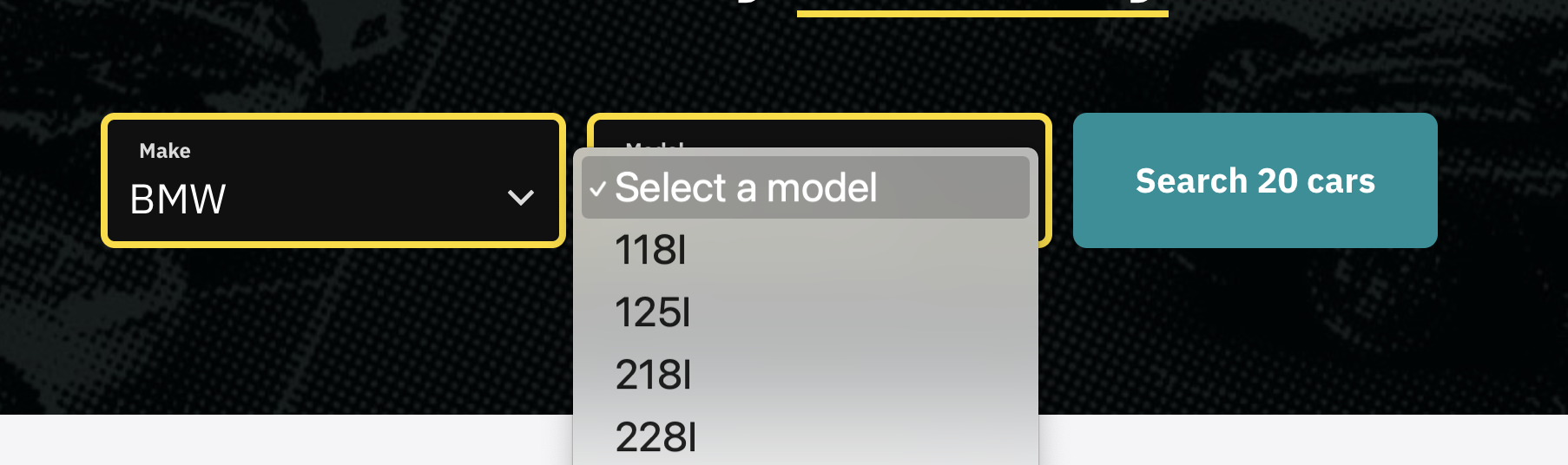
### Facets User Interface Example
This function is useful when supplying data to drop-downs for display on a form. A good example of using Facets API is [Westside Auto](https://www.westsideauto.com.au/).